
My New Lockly Secure Pro Deadbolt (And Why I Love It So Much!)
I just installed a Lockly Secure Pro Deadbolt on my office exterior door. It’s gorgeous and so functional, and I’m here to tell you about how I installed it and why I love it.
This post is sponsored by Lockly.
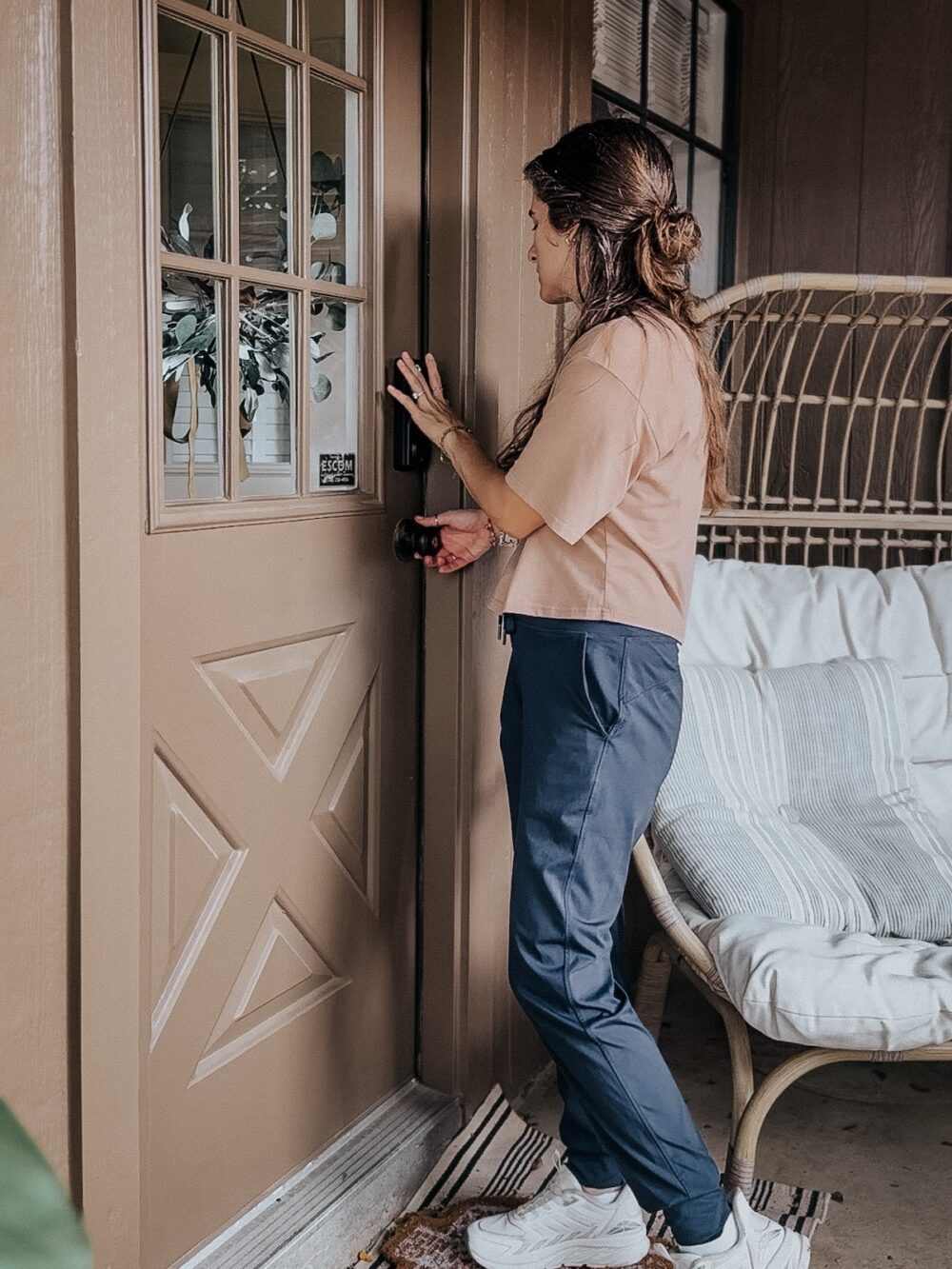
Moving into a new home comes with lots of little to-do’s. One of the tasks that has been lingering over our heads in the last few months is replacing (or installing for the first time) deadbolts around all of our exterior doors.
It’s been a slow process but we’re finally getting there, and today I wanted to share about the newest smart deadbolt we installed in my office door – the Lockly Secure Pro Deadbolt!
Why My Office?
We have seven (!) exterior doors at our house. When we moved in, only a few of them actually had deadbolts. We’ve been slowly working on adding deadbolts all around the house over the last few months, but my office didn’t have one yet and it was starting to create problems. The office door doesn’t catch unless you really close it. And, well, I have two kids. And, if we’re being honest, I’m not great at closing things myself.
On more than one occasion I walked into my office after a few hours and discovered the door was wide open. And the final straw was when I walked in there first thing in the morning and realized the door had been opened all night long. Thank goodness it leads to the backyard, but it still could have been bad!
The day that happened I declared I needed a deadbolt on that door ASAP. Thankfully, the Lockly Secure Pro Deadbolt landed on my doorstep just a few days later, so the timing couldn’t have been better.
Installing the Lockly Secure Pro Deadbolt
I was really nervous about installing this deadbolt in a door that doesn’t already have one. It felt incredibly intimidating! Corey assured me it wasn’t a huge deal, though. And, the directions that came with my new Lockly deadbolt were really thorough and helpful.
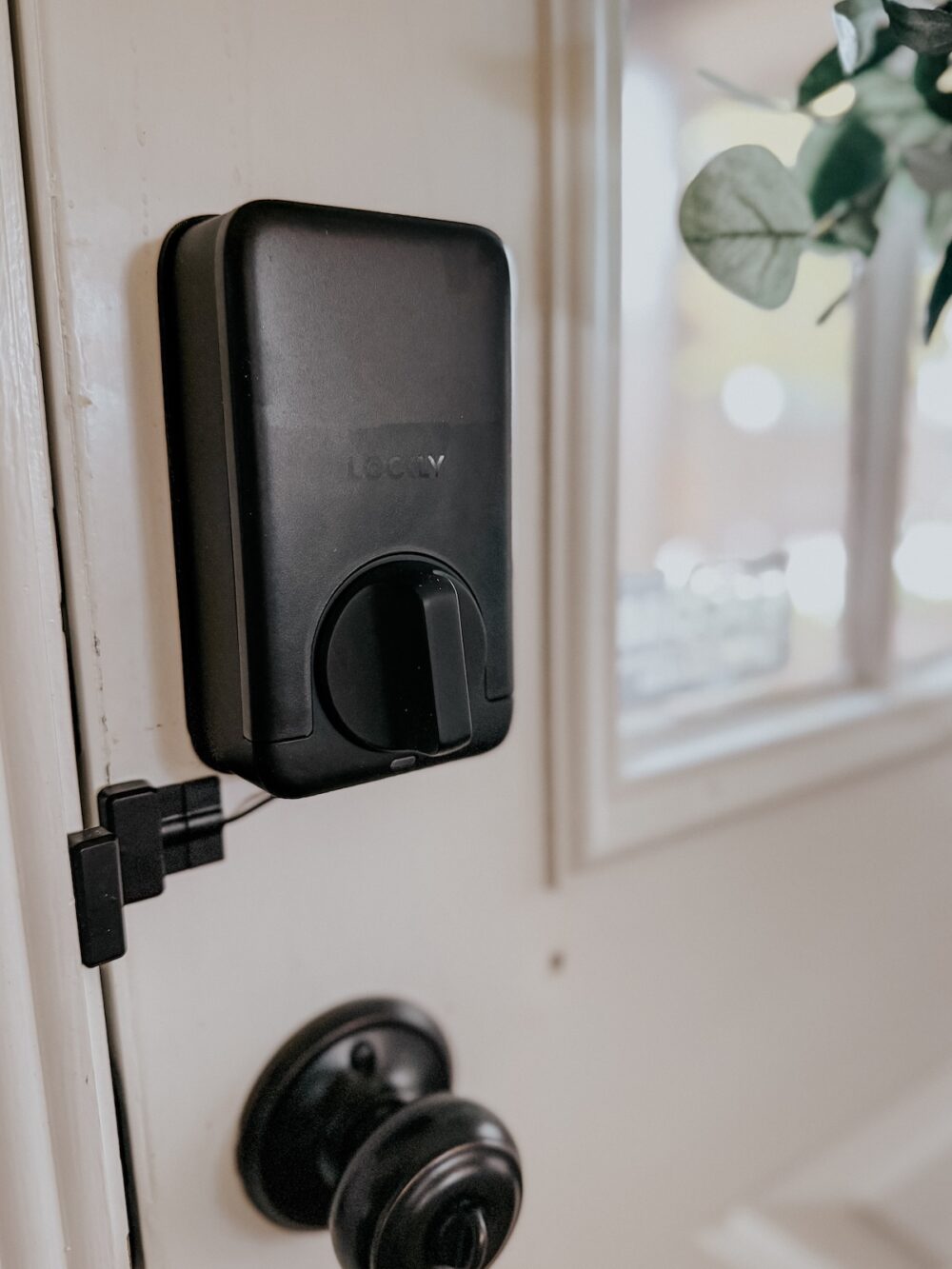
Corey kicked things off by drilling the needed holes in my door using the provided template and this deadbolt installation jig, and this door latch jig.
Once all of the holes were ready, it only took me about 10 minutes to install the deadbolt itself. The directions were incredibly thorough, and I had no issues (despite having never installed a deadbolt myself before)!
I particularly appreciated having the door sensor included with the lock – it’ll tell me every time this door opens or closes, which means I never have to worry about leaving it open again!
Why I Chose The Lockly Secure Pro Deadbolt:
We’ve tried out a lot of different smart locks over the years, and I’ve never felt terribly passionate about any of them. But, for this door I really wanted something that was going to be super easy to use and really reliable. Here are a few of the key features of this lock that appealed to me the most:
Fingerprint Access!
This is a huge one for me. I’m in and out of this door relatively often and I don’t want to have to constantly be putting the code in. I love that I can program my fingerprint, along with the other members of my family, and we can all get in with just the tap of a finger.
PIN Genie Keypad.
You can also open this door with a code, and I really love the PIN Genie feature that shuffles the digits after each entry. That means you don’t have to worry about anyone guessing your code based on visible fingerprints, which is something I always worry about with pin code deadbolts.
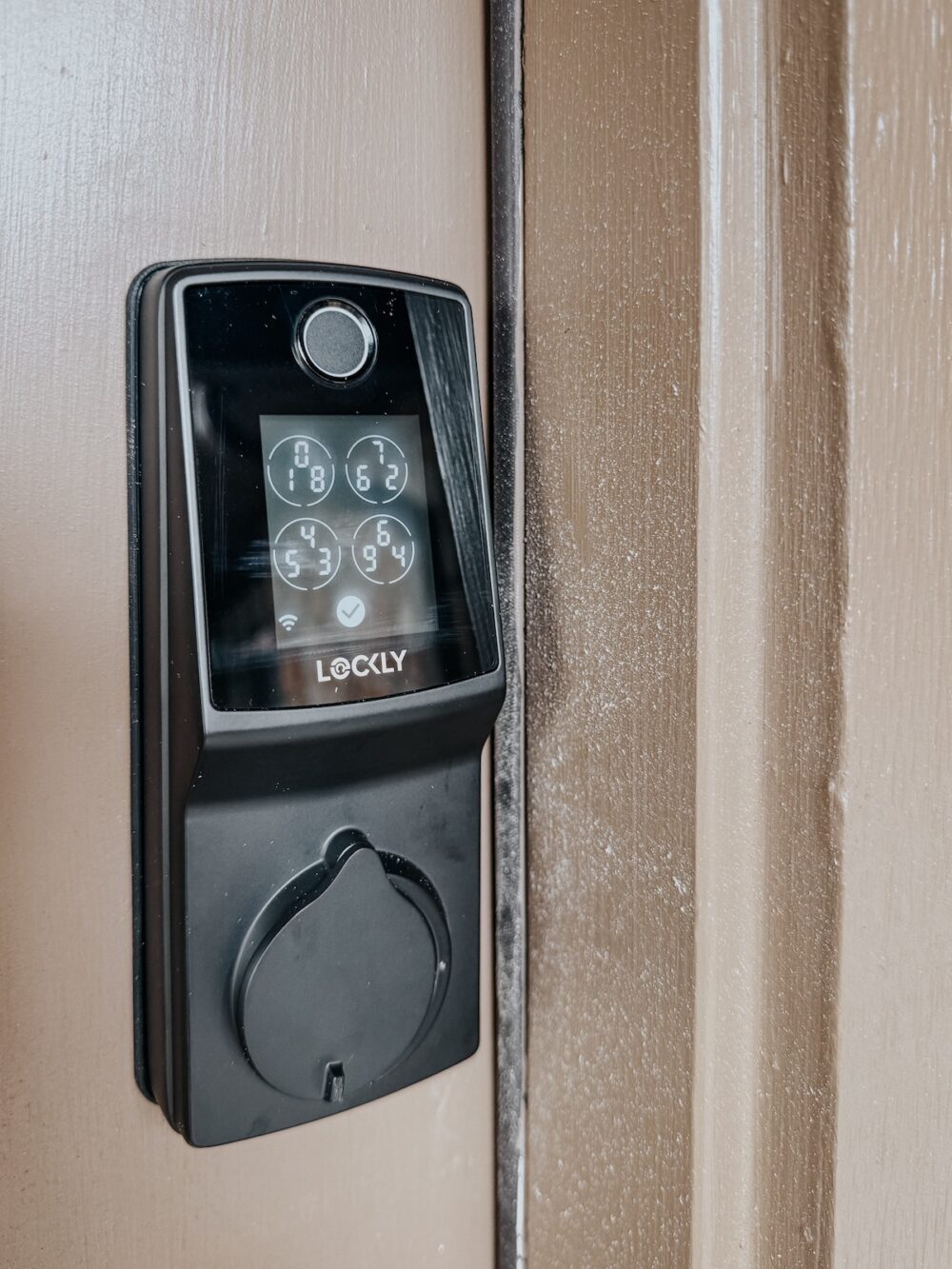
The Included Secure Link.
It always frustrates me how many of the smart locks out there require you to purchase a separate hub in order to use them. Not this one! Our new Lockly deadbolt has Seecure Link included, which allows you to receive notifications in real-time and unlock your door remotely with no extra hardware needed.
Compatibility With Voice Assistants.
Our Lockly lock can integrate with both Google Assistant and Alexa for voice locking and unlocking. This is an absolutely non-negotiable for us because I’m not about to walk around my house and manually lock all 7 of our exterior doors every single night!
Besides all of this, you can generate one-time or recurring codes for people outside of your family even if your lock isn’t connected to Wifi. Oh, and it’s really nice-looking, too. Which is a major pro in my book!
My Thoughts
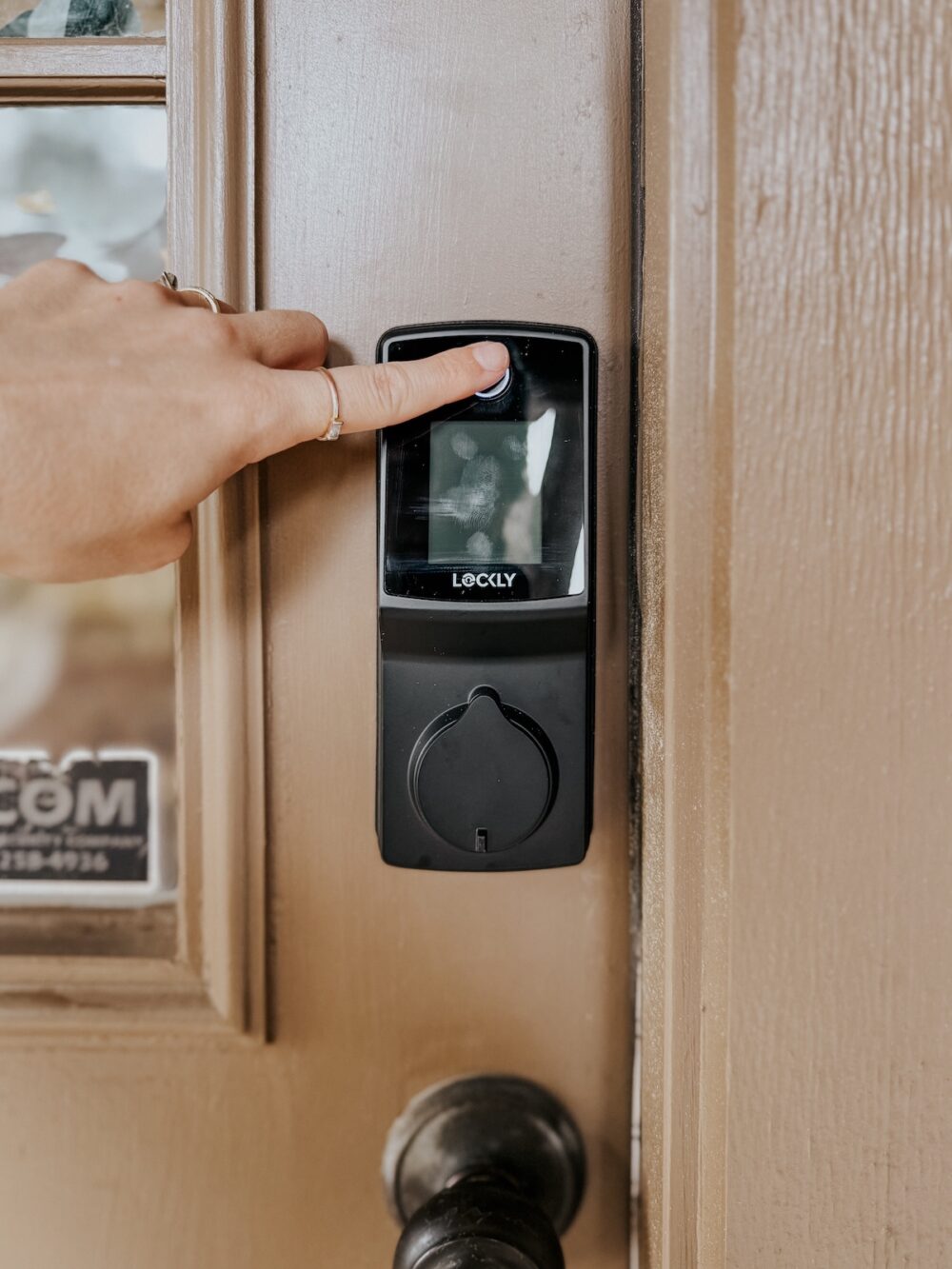
I’m really impressed with our new Lockly deadbolt. I can definitely see us using this exact one on the other two backyard doors that still need them! It’s quick and easy to install, it provides a lot of peace of mind, and it’s looks really nice on the door as well!
You can grab the Lockly Secure Pro Deadbolt right here at a really great price! And, if you want to browse their other options, check out Lockly’s Amazon shop where you can find even more deadbolt options – there’s sure to be one that fits your needs perfectly.
Great review — I appreciate how clearly you laid out the features of the Lockly Secure Pro deadbolt. The breakdown of installation ease, security benefits, and smart-lock convenience is super helpful for anyone considering an upgrade for their home. I especially like that you highlight both practicality and modern smart-home appeal — that balance matters when choosing locks. Thanks for sharing your honest take!